
To submit a Georgia evisa edit application after approval, log in to the portal at evisa.gov.ge using your Application ID and passport number. You can modify contact details and travel dates directly through the portal. Changes to passport number, nationality, or date of birth require a completely new application. Approved eVisa PDFs can be re-downloaded anytime from the same portal.
Understanding the Georgia eVisa Application Process and What Happens After Submission
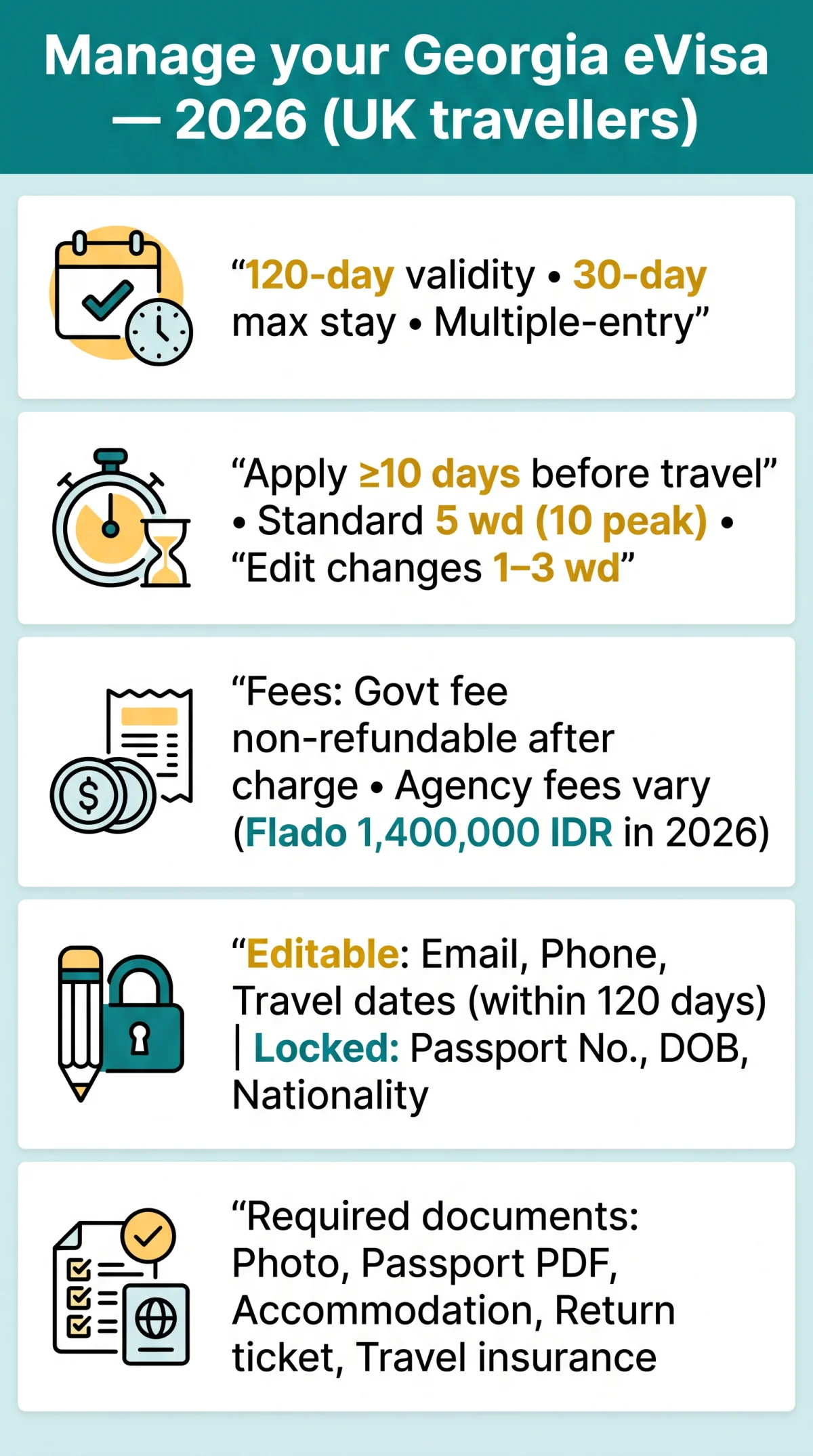
The Georgia eVisa (C1 category) is a multiple-entry electronic visa valid for 120 days from the intended arrival date, permitting a maximum stay of 30 consecutive days for tourism, business, meetings, events, family visits, or private travel. The Ministry of Foreign Affairs of Georgia regulates all visa types. Standard processing takes a minimum of 5 working days, extending to 10 during peak periods; apply at least 10 days before entry. The application is fully online at evisa.gov.ge (alternative: geoconsul.gov.ge) with no in-person visit required.
Required documents: photo, passport scan (single PDF), proof of accommodation, round-trip flight ticket, travel health insurance. Passport must be valid at least 3 months beyond stay (6 months recommended as airline buffer) with 2 blank pages. Payment by credit card only. The approved Georgia eVisa is delivered as a PDF via email and must be printed for border control. UK citizens are visa-exempt for up to 1 year; EU citizens may enter with a national ID card. Mandatory entry health insurance applies from 1 January 2026. Each application is tracked by a unique Application ID, essential for all post-submission management.
Last reviewed: September 2026. Sources: Georgia eVisa portal (evisa.gov.ge), Georgian Ministry of Foreign Affairs, VisaHQ, Flado Indonesia.
Can You Edit Your Georgia eVisa Application After Submission?
You can edit email address and phone number directly on the portal; travel dates can be changed within the 120-day validity window, with processing taking 1-3 working days (source: evisa.gov.ge FAQ). Passport number, date of birth, and nationality are locked and require a new application. Correct specific fields directly on evisa.gov.ge using your Application ID and passport number.
| Field | Editable? | Action Required | Notes |
|---|---|---|---|
| Email address | Yes | Edit via portal | Instant update |
| Phone number | Yes | Edit via portal | Instant update |
| Travel dates (within 120-day window) | Yes | Edit via portal | Processing: 1-3 working days |
| Travel dates (outside 120-day window) | No | Re-apply | New application required |
| Passport number | No | Re-apply | Visa tied to specific passport |
| Date of birth | No | Re-apply | Critical data field, locked |
| Nationality | No | Re-apply | Critical data field, locked |
| Name spelling (minor typo) | Conditional | Contact embassy with Application ID | See severity classification below |
| Photo | Conditional | Contact embassy | Typically locked after approval |
Go to evisa.gov.ge
Access the Georgia eVisa portal.
Click “Check Status”
Navigate to the status check section.
Enter Application ID and passport number
Provide your credentials to log in.
Locate editable fields
Identify which fields can be modified.
Make changes, save, and re-confirm submission
Finalize and submit your edits.
| Error Severity | Example | Recommended Action |
|---|---|---|
| Minor | Middle name omitted, abbreviated first name | Likely accepted at Georgian border control; no action required |
| Noticeable | Wrong email or phone number | Edit directly via the Georgia eVisa portal |
| Critical | Wrong passport number, nationality, or date of birth | Submit a completely new application; editing is not possible |
Georgian border police require that the Georgia eVisa data matches the passport exactly. If a minor discrepancy exists, carry a printed copy of your passport bio page as supplementary identification. The eVisa support desk does not process updates; contact the Georgian Embassy for escalations.
How to Cancel, Withdraw, or Escalate a Georgia eVisa Application
Pending applications can be cancelled through the portal at evisa.gov.ge by logging in with Application ID and passport number, selecting “Cancel”, and confirming. Approved applications require emailing [email protected] with subject “eVisa Application Cancellation Request – Application ID [XXXXXX]” (source: evisa.gov.ge FAQ).
- Log in with your Application ID and passport number.
- Locate your pending application in the dashboard.
- Select the Cancel or Withdraw option.
- Confirm the cancellation and verify the status changes to “Cancelled”.
If self-service cancellation is unavailable, escalate directly to the Georgian Embassy or Consular Office. Use this email template:
Subject: eVisa Application Cancellation Request – Application ID [XXXXXX]
Body: Application ID, Passport Number, Full Name, Date of Submission, Reason for Cancellation.
Send your request to [email protected] or call (995 32) 2945050.
If you submitted a duplicate Georgia eVisa application, contact the embassy with both Application IDs. Each incurs a separate, non-refundable government fee; the system does not automatically overwrite duplicates.
Georgia eVisa Refund Policy – Will You Get Your Money Back?
The government consular fee is non-refundable after payment; only cancellations made before payment is processed (before the credit card charge) qualify for a full refund. Third-party service fees, e.g., Flado’s 1,400,000 IDR (~79 USD), may be refundable per agency policy (source: flado.id). The Georgia eVisa fee has two components: a government consular fee based on duration of stay, and an optional agency service fee.
| Application Stage | Government Consular Fee | Agency Service Fee (if applicable) | How to Request |
|---|---|---|---|
| Pre-payment (form submitted, fee not yet charged) | Full refund | Full refund | No action needed; form discarded |
| Pending review (submitted, awaiting decision) | Non-refundable | May be refundable; contact agency | Contact Georgian Embassy + agency separately |
| Approved (visa issued) | Non-refundable | Non-refundable (service rendered) | No refund pathway |
| Rejected (visa denied) | Non-refundable | Varies by agency policy | Contact agency; government fee lost |
Send refund requests to [email protected] or call (995 32) 2945050, providing Application ID, passport number, and payment confirmation. Allow 5-10 working days for initial acknowledgement. The 1,400,000 IDR service fee is quoted by the Indonesia-based agency Flado as of 2026; exchange rates vary.
How to Download or Re-download Your Approved Georgia eVisa
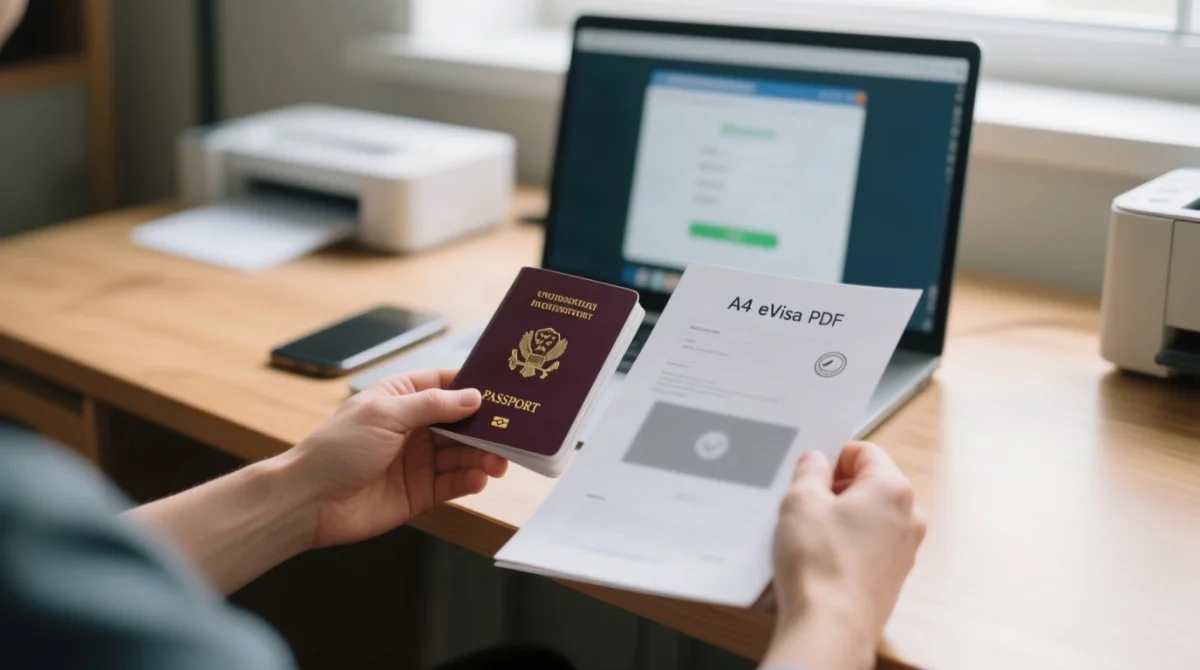
Log in to the Georgia eVisa portal with your Application ID and passport number, verify the status shows “Approved” (if “Pending” or “Rejected”, download is not available), then click Download to retrieve the PDF. The PDF must be printed; digital copies are not accepted at Georgian border control (source: flado.id).
Navigate to the Georgia eVisa portal
Go to evisa.gov.ge.
Click “Check Status”
Or the equivalent menu option.
Enter your Application ID
From the original confirmation email.
Enter the passport number
The passport number used in the application.
Verify the status shows “Approved”
Download is only available for approved visas.
Click “Download” or “View eVisa”
Retrieve the PDF file.
Save the file and print it on paper
Digital copies are not accepted at Georgian border control.
Lost your Application ID? Search your inbox for “evisa.gov.ge” as the ID appears in both confirmation and approval emails. Check spam if missing. If the PDF will not open, re-download and use Adobe Acrobat Reader or a browser PDF viewer.
A Georgia eVisa is tied to the specific passport number used during application. If your passport is renewed, lost, or stolen after approval, the eVisa becomes invalid. There is no transfer option. You must submit a completely new application with the new passport.
Frequently Asked Questions About Managing Your Georgia eVisa
Can I edit my Georgia eVisa application after it has been approved?
Yes, for some fields. You can edit email address, phone number, and travel dates within the 120-day validity window. Passport number, date of birth, and nationality are locked and require a new application.
How do I download my approved Georgia eVisa if I lost the email?
Go to evisa.gov.ge, click “Check Status”, and enter your Application ID and passport number. If “Approved”, click “Download”. If you lost your Application ID, search your inbox for messages from evisa.gov.ge.
Can I change my travel dates on an approved Georgia eVisa?
Yes, if the new dates fall within the 120-day validity window from your originally selected arrival date. Edit directly through the eVisa portal. If outside this window, submit a new application. Allow 1-3 working days.
What happens if I cancel my Georgia eVisa application?
The application is withdrawn and no longer valid. If you cancel before payment is processed, a full refund is possible. After approval, the government consular fee is non-refundable. Contact the Georgian Embassy at [email protected].
Will I get a refund if I cancel my Georgia eVisa?
The government consular fee is non-refundable once payment is processed. Only pre-payment cancellations qualify for a full refund. Agency service fees may be refundable depending on the agency’s own policy; contact them separately.
Can I use my Georgia eVisa with a new passport?
No. A Georgia eVisa is tied to the passport number used during application. If your passport is renewed, lost, or stolen, the eVisa becomes invalid. You must submit a new application. There is no transfer option.
What should I do if there is an error on my approved Georgia eVisa?
Assess severity. Minor discrepancies (missing middle name) are typically accepted at Georgian border control. Noticeable errors (wrong email) can be corrected via the portal. Critical errors (wrong passport number, nationality, date of birth) require a new application.
How do I cancel a duplicate Georgia eVisa application?
Log in to the eVisa portal with the duplicate’s Application ID and attempt self-service cancellation. If unavailable, contact the Georgian Embassy at [email protected] with both Application IDs. Each application incurs a separate, non-refundable government fee.
How long does it take for Georgia eVisa changes to take effect after editing?
Contact detail edits are typically instant or within 1 working day. Travel date changes take 1-3 working days. New applications due to critical errors follow standard processing: minimum 5 working days, up to 10 during peak periods.
What information do I need to log in and manage my Georgia eVisa application?
You need your Application ID (from your submission confirmation email) and the passport number used in the application. Both are required to check status, edit fields, download the PDF, or cancel through the portal.